

Nexlev – Youtube Automation
Youtube Automation Course By Nexlev
Nexlev – Youtube Automation Course Free Download


Nexlev – Youtube Automation Download
Nexlev – Youtube Automation is a complete system for building, growing, and scaling faceless YouTube channels without ever showing your face on camera. Based on the exact framework used to launch 20+ automated channels and generate 7-figure revenue, this program shows you how to find profitable niches, build a content team, structure high-retention videos, and scale multiple channels with confidence.
Instead of chasing “secret hacks”, this course focuses on fundamentals, systems, and repeatable processes that actually move the needle on YouTube. You’ll learn how to approach faceless channels like a real business: with clear expectations, data-driven decisions, and workflows that can be delegated and scaled.
What You Get Inside
- 24+ hours of course material
- 120+ video lessons
- 22+ structured modules
- Lifetime access to all content and updates
Nexlev – Youtube Automation Course Curriculum (22 Modules)
You get lifetime access to a structured curriculum designed to take you from zero to a fully systemized faceless YouTube business:
Module 1: Introduction to Youtube Automation
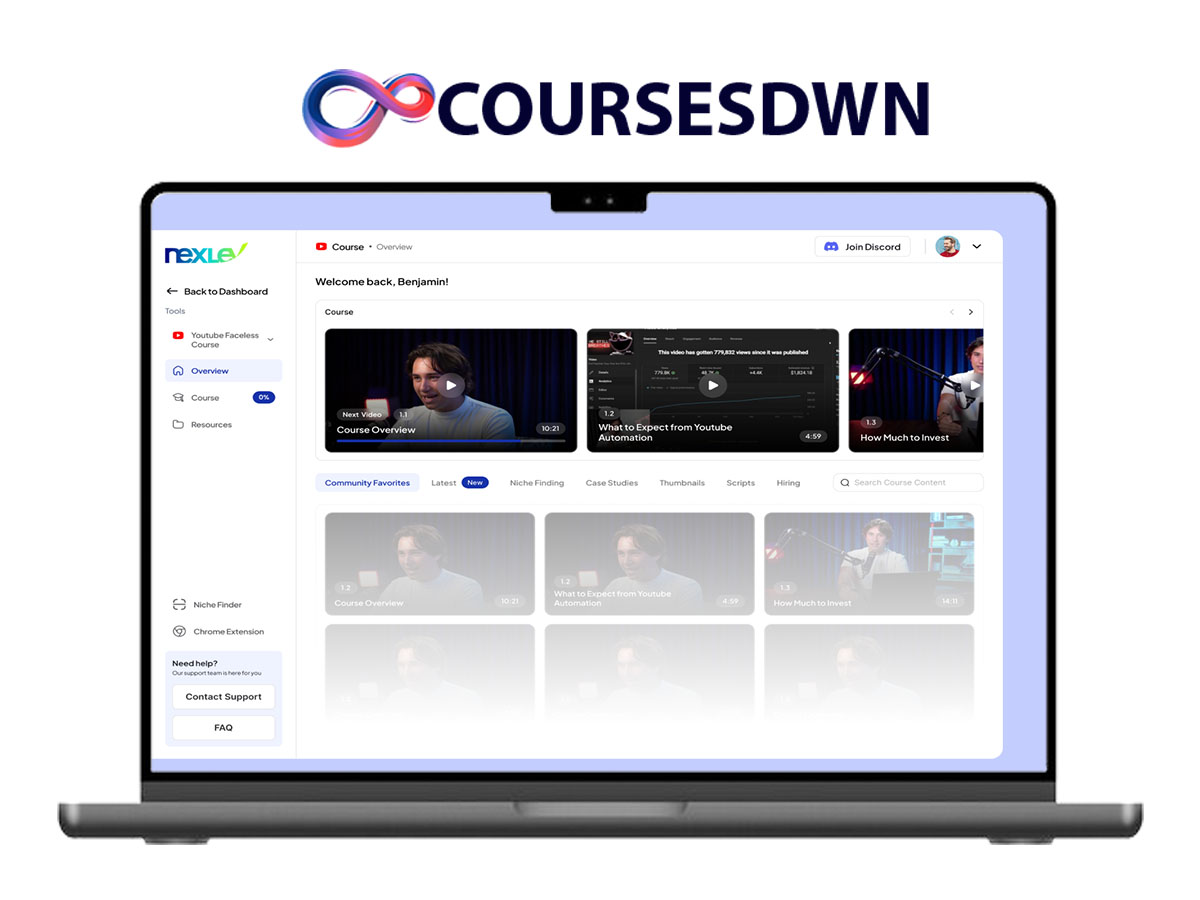
- 1.1 Course Overview
- 1.2 What to Expect from Youtube Automation
- 1.3 How Much to Invest
Module 2: Discovering Profitable Niches
- 2.1 Supply and Demand on Youtube
- 2.2 How to Judge If You Found a Good Nice
- 2.3 Mindset When Searching For Niches
- 2.4 How to Find Niches with Youtube Incognito
- 2.5 How to Find Niches with Keyword Scanning
- 2.6 How to Find Niches thru Social Media
- 2.7 How to Create Niches thru The Transfer Method
- 2.8 How to Find Niches thru High Paying Markets
- 2.9 Find Niches thru ChatGPT + Google Trends
Module 3: Evaluating and Starting Niches
- 3.1 How to Know If a Niche is Monetizable
- 3.2 When Do You Start a Niche
Module 4: Testing Channels and Niches
- 4.1 A/B Testing with Pre-monetized Channels
Module 5: Leveraging Content Formats in Niches
- 5.1 Why Formats Matter
- 5.2 Compilations Do’s and Dont’s
- 5.3 Documentary’s Do’s and Dont’s
- 5.4 Animation Do’s and Dont’s
- 5.5 Explainer’s Do’s and Dont’s
Module 6: Goal Setting and Research for Success
- 6.1 Set Goals
- 6.2 Why and How
- 6.3 Research
Module 7: Setting Up Your Youtube Channel
- 7.1 Basic Youtube Channel Setup
Module 8: Building and Managing Your Team
- 8.1 Outsource or Do It Yourself?
- 8.2 Where to Hire What?
- 8.3 Hiring a Good Script Writer
- 8.4 Hiring a Good Voice Actor
- 8.5 Hiring a Good Video Editor
- 8.6 Hiring a Thumbnail Designer
- 8.7 Hiring a Team Manager
- 8.8 Hiring a Good 2D Animator
- 8.9 Hiring a Good Scheduler
- 8.10 Should You Hire a Complete Team
Module 9: Team Automation and Communication
- 9.1 How to Automate Your Team
- 9.2 How to Properly Communicate With Your Team
- 9.3 How to Give Script Instructions
- 9.4 How to Give Voice-Over Instructions
- 9.5 How to Give Video Editing Instructions
- 9.6 How to Train Your Team?
Module 10: Mastering Topic Selection
- 10.1 What Makes The Perfect Topic?
- 10.2 Supply and Demand in Topics
- 10.3 Re-using Older Topics
- 10.4 Topic Transfer Method
- 10.5 Autofill Topics Method
- 10.6 How to Use AI For Topic Generation
- 10.7 Audience Tab Topic Method
- 10.8 Finding Topics thru Answers The Public
- 10.9 Finding Topics thru Twitter
Module 11: Crafting Effective Scripts
- 11.1 Script Structures
- 11.2 Hooking Viewers with Scripts
- 11.3 Rehooking Viewers in a Script
- 11.4 Clip Intergration In Your Scripts
Module 12: Perfecting Voice Overs
- 12.1 How to Get a Good Voice Over
Module 13: Mastering Video Editing
- 13.1 Rules For a Good Edit
- 13.2 How to Source Footage and Assets
- 13.3 How to Give Feedback on an Edit
Module 14: The Art of Storytelling
- 14.1 Why Do Stories Matter?
- 14.2 What Makes a Good Story?
- 14.3 Story Telling Sctructures
- 14.4 How to Create Good Characters?
Module 15: Designing Eye-Catching Thumbnails
- 15.1 What Do Good Thumbnails Look Like?
- 15.2 The Elements of a Great Thumbnail
- 15.3 Thumbnail Research
- 15.4 Optimizing Youtube Thumbnails
Module 16: Crafting Compelling Titles
- 16.1 How to Create Good Titles
Module 17: Optimizing and Testing Videos
- 17.1 Optimizing and Publishing Videos
- 17.2 A/B Thumbnail Testing
Module 18: Understanding the Youtube Algorithm
- 18.1 How the Youtube Algorithm Works?
- 18.2 How to Analyze and Improve Click-through Rate
- 18.3 How to Analyze and Improve Video Retention
- 18.4 How to Analyze and Improve Engagement
- 18.5 The 80/20 Rule
Module 19: Utilizing Youtube Shorts and Community Posts
- 19.1 Should You Do Youtube Shorts?
- 19.2 Should I Promote My Channel With Shorts or Community Post?
Module 20: Managing Finances and Administration
- 20.1 How to Pay Team Members?
- 20.2 How to Manager Your Administration
Module 21: Navigating Youtube’s Copyright System
- 20.1 How to Pay Team Members?
- 20.2 How to Manager Your Administration
Module 22: Embracing Self-Learning
- 22.1 What is Teach Yourself?
Key Skills You’ll Learn
- Scriptwriting & content structure – Learn the structures behind high-retention faceless videos, what to say, when to say it, and how to keep viewers watching until the end.
- Thumbnail & title strategy – Test thumbnails quickly, write compelling titles, and improve CTR with a methodical approach instead of guesswork.
- Voiceover & editing process – Understand what makes a great faceless voiceover, what to outsource, how to brief editors, and the quality you should expect back.
- Team building & workflow – Hire and manage editors, voice artists, scriptwriters, and thumbnail designers. Build a clean, scalable production pipeline.
- YouTube algorithm & growth tactics – Use watch time, click-through rate, and audience retention to trigger the algorithm and grow consistently, including Shorts and community posts.
- Monetization & compliance – Navigate YouTube’s policies, avoid copyright issues, get monetized sooner, and stack income streams.
- Scaling & channel multiplication – Once your first channel works, clone the system and operate multiple channels without chaos.
Why Choose the YouTube Faceless Course?
- Comprehensive curriculum – Covers every step from niche research and channel setup to monetization, scaling, and team management.
- Real-world experience – Learn from a creator with multiple active faceless channels and proven 7-figure results.
- Up-to-date strategies – Methods aligned with how the YouTube algorithm works today, including Shorts and community features.
- For all levels – Whether you’re a beginner or already running a channel, you’ll find frameworks, workflows, and advanced tactics you can apply.
- System-focused – Build processes that can be delegated so your channels grow without you doing everything yourself.
Who This Course Is For
- Creators who want to build faceless YouTube channels and treat them like real businesses.
- Entrepreneurs who want automated channels that generate income without personal branding.
- Beginners who need a clear, step-by-step roadmap instead of fragmented YouTube advice.
- Existing channel owners who want to systemize production, build a team, and scale.
- Anyone who wants to understand YouTube’s algorithm, monetization rules, and growth levers in a structured way.
About the Creator
Nexlev – Youtube Automation is taught by Noah, a creator and operator who runs over 20 faceless YouTube channels with more than 2.5 million subscribers. These channels have generated seven figures in revenue without personal branding or on-camera appearances. Inside the course, Noah shares the exact systems, templates, and processes he still uses today, with no gatekeeping and no fluff.
Download Nexlev – Youtube Automation Course.
Sale Page: https://www.nexlev.io/youtube-automation/home